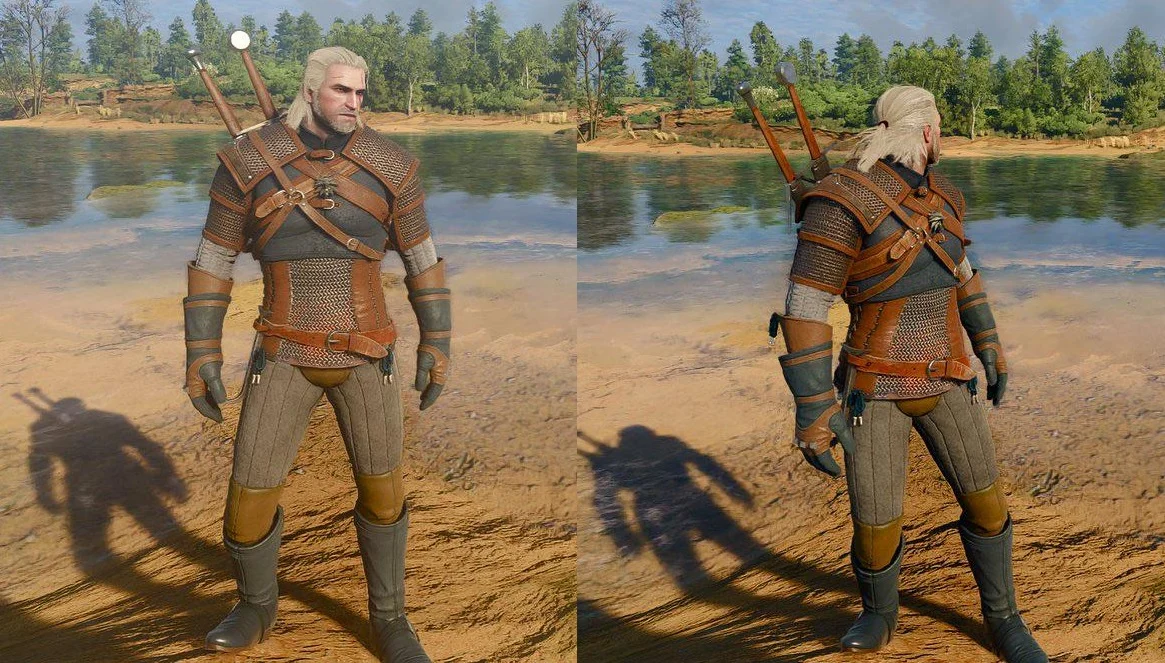
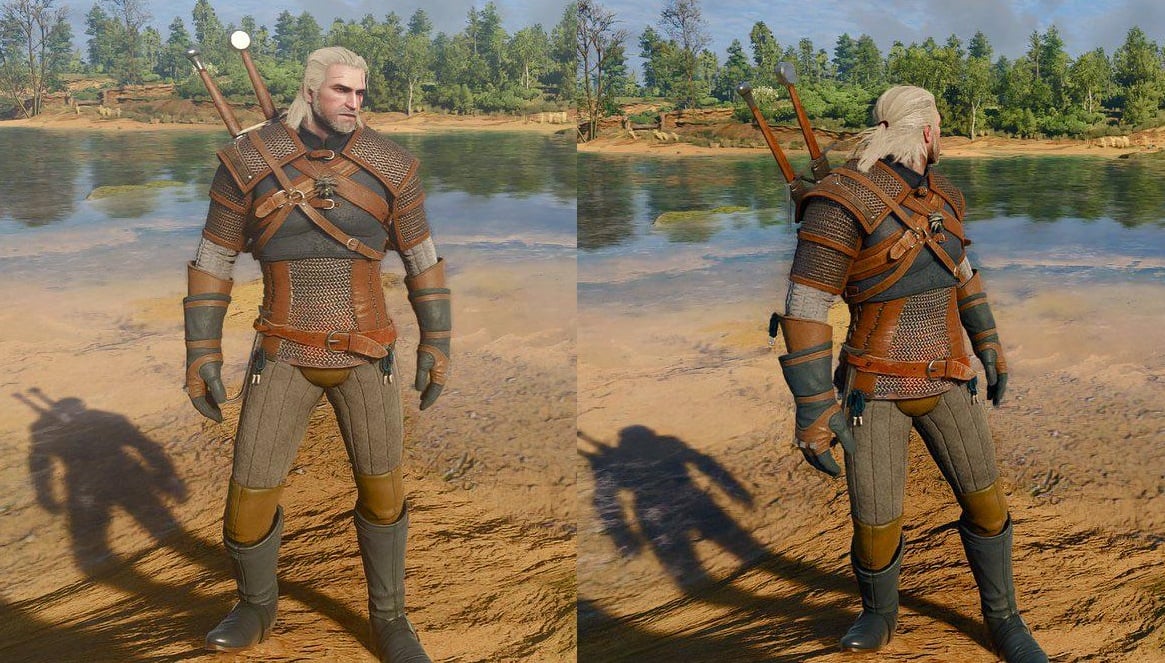
The Witcher 3 Remastered is out today and it’s pretty great, except for some of the lighting. The new visuals make everything brighter. Not every fan of the grim, dark fantasy masterpiece appreciates that. Fortunately, there is one setting you can toggle off to immediately “fix” this problem: bloom.
There’s been some debate since the review embargo lifted and early players began sharing screenshot comparisons about whether the remastered version of The Witcher 3 is too bright. Some people like the bolder, starker shadows of the earlier version of the game. Others appreciate the more realistic and sophisticated lighting in the remaster. The good news is that if you fall into the camp of haters, you can just toggle bloom off in the settings menu to get rid of some of the washed-out look in the current version.
desactivate the bloom as soon as possible
(first is with, second without) pic.twitter.com/7Sq6ZkAFvv— Alox (@ITSALOX_) September 29, 2026
The reaction on the Witcher subreddit has been immediate jubilation. “Wow that actually was a whiplash change thanks,” one person wrote. “This needs to go to the top of the sub,” wrote another. A third player: “Oh my god thanks. This looks so much better.”
Here’s how I “fixed” The Witcher 3 Remastered lack of contrast
This biggest complaint I’ve seen for this game and that’s a fair criticism since some scenes can look too flat compared to the OG version.
The reason for why this is happening is due to Global Illumination, when you… pic.twitter.com/Jsv1LdWDkR
— NikTek (@NikTek) September 29, 2026
The bad news is that there is no way to toggle bloom on and off on PS5 or other consoles. You can monkey around with the brightness, contrast, and gamma, but as for one simple fix to immediately boost the image quality, no dice. I reached out to CD Projekt Red to see if this is considered a bug or if the visuals, and particularly the lighting, are working in the remaster as intended, and was told there are no updates yet on what further tweaks the team might be making.
My guess is that there will be some continued tweaking in the days and weeks ahead. For now, PC players now have one trick to make The Witcher 3 Remastered feel more classically Witcher-y. And while you’re at it, you can probably go ahead and turn off blur, chromatic aberration, and vignetting as well.