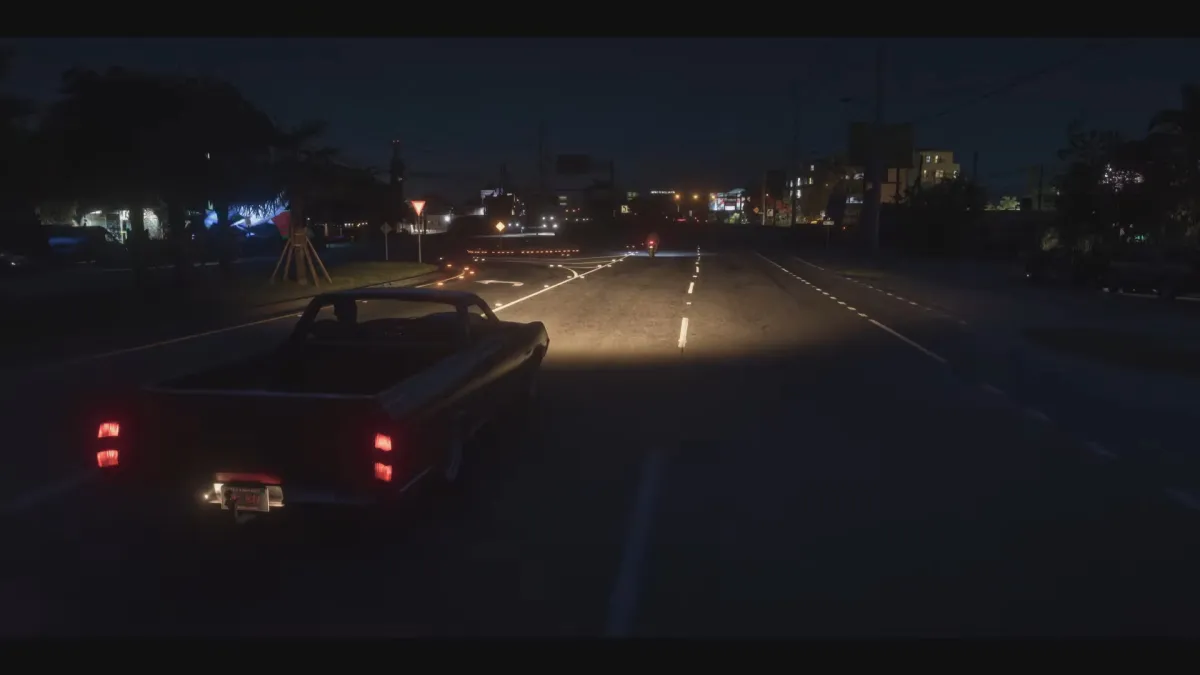
Grand Theft Auto VI is a game where you spend a lot of time behind the wheel. Always has been. But sometimes, you just won’t feel like actively driving, but you also don’t to waste money on a cab.
This is where Auto Drive comes in. It let’s the game take over and drive you where you need to go in real time and all with a cinematic camera that shifts and moves, letting you take in the environment without all that pesky having to pay attention to the road. Red Dead Redemption 2 had the same feature and I have fond memories of taking advantage of it to watch Arthur ride his horse through that game’s incredible environment. It’s a great option in GTAVI, but how to use it and turn it on isn’t immediately apparent.
First, you must select a destination. Get the GPS set up to direct you to where you want to go.
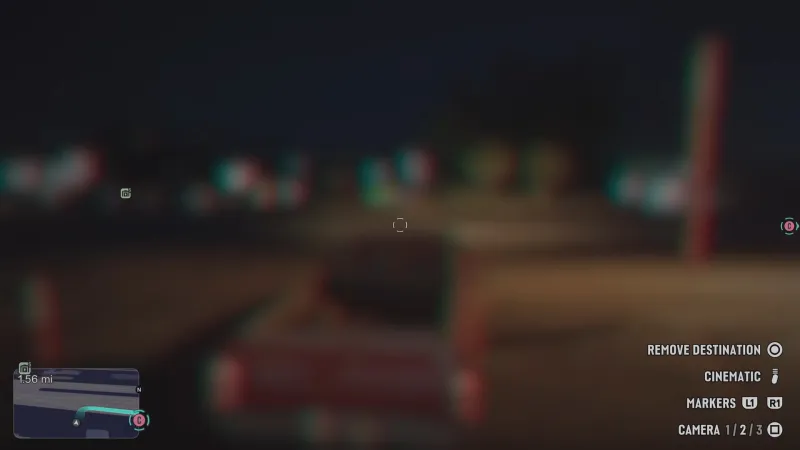
Note Cinematic in the bottom right corner
Next, start driving. The Auto Drive is smart, but doesn’t seem to be smart enough to make three-point turns or back out of parking lots. You need to be on your way before you can turn it on.
Once you’re on the path, hold down in the d-pad and press start to activate Cinematic.
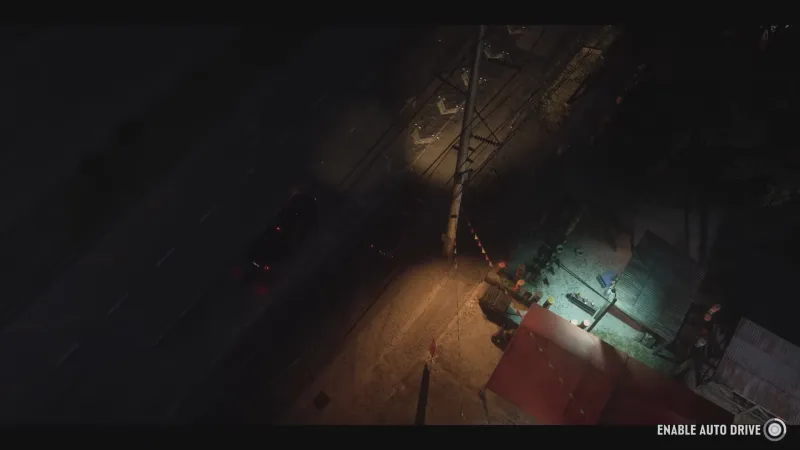
Note Auto Drive in the bottom right corner
Once you’ve done this you should be able to hold down the Circle button on PlayStation or the B button on Xbox to activate Auto Drive and… voilà! You can sit back make and let Jason or Lucia take the wheel. They will drive legally, even stopping at lights, but you can speed them up if they’re taking too long.
I’ve always enjoyed driving in Grand Theft Auto, but I was grateful to find this almost-hidden option early in the game.
For a whole lot more on Grand Theft Auto VI, head here.